Get everything ready
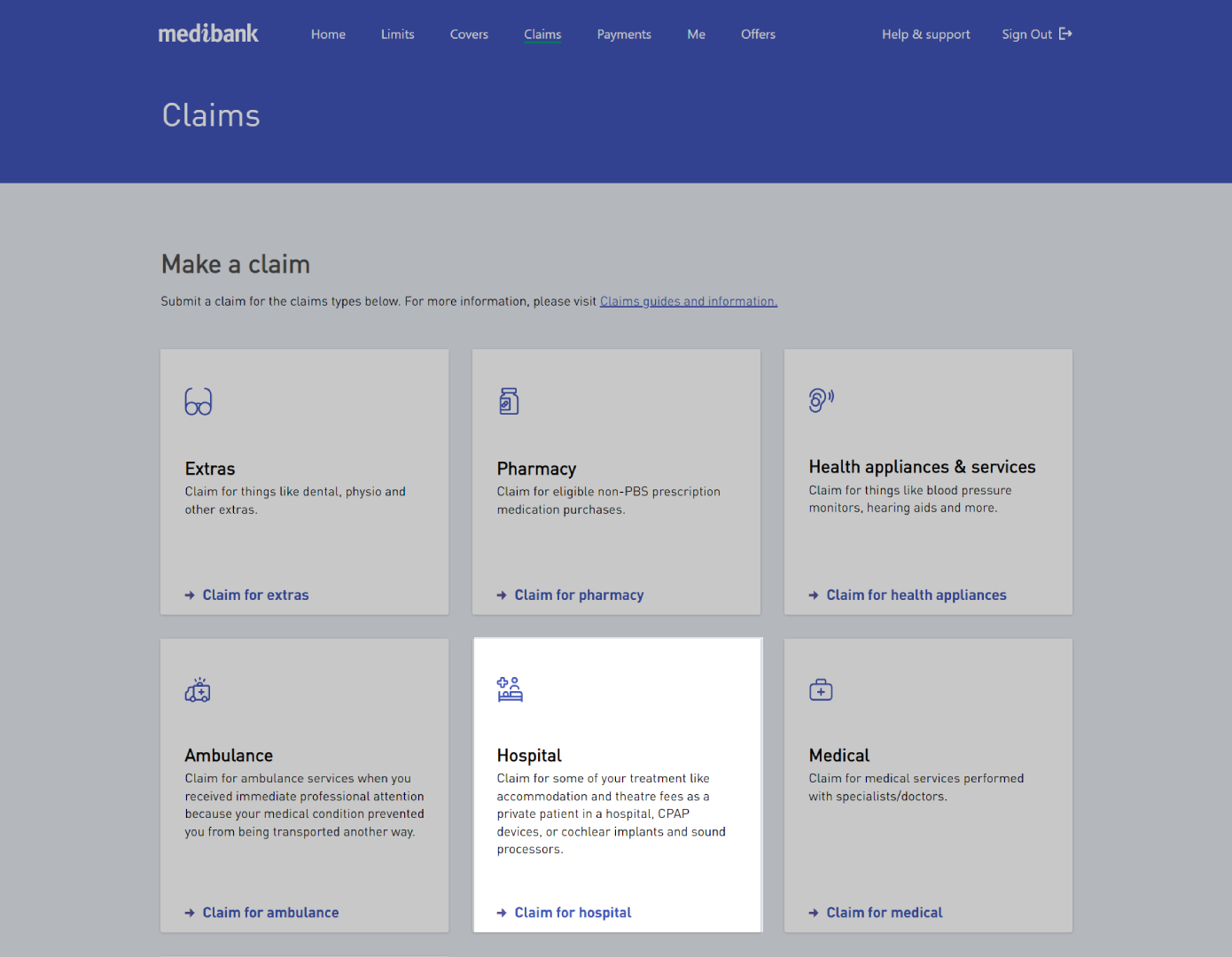
If your cover includes benefits for hospital treatments or services, you can claim for them online. These services include accommodation and theatre fees as a private patient in a hospital, CPAP devices, or cochlear implants and sound processors. To claim for inpatient services, see Claiming for Medical.
If you haven't already, you'll need to register for a My Medibank account and have access to either the My Medibank app on your phone or tablet, or My Medibank on the web.
You can also make a claim by post or in one of our stores.
Key Information
- For Australian residents: if you were a private hospital inpatient, you'll need to provide a National Private Patient Hospital Claim Form (HC21) signed by the hospital and patient. If you were a public hospital inpatient, you'll need to provide an election form.
- For overseas health cover: you'll need to provide a National Private Patient Hospital Claim Form (HC21) signed by the hospital and patient.
Before you start your claim
Make sure you have:
Other documentation you'll need:
Please review the following information:
If required you can download a National Private Patient Hospital Claim Form (HC21) here.
If you're not sure whether you're eligible to claim, you can check your cover summary, as well as waiting periods, on My Medibank online, or the My Medibank app.
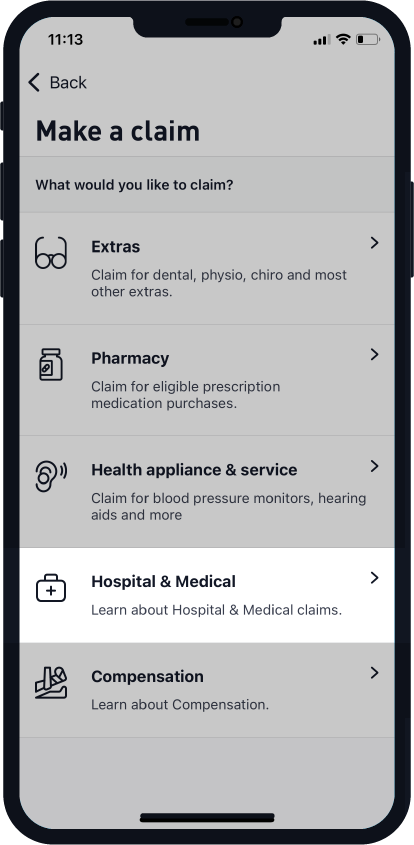
How to make a Hospital claim on the app


How make a Hospital claim on the web