
Get everything ready
If your cover includes benefits for a blood pressure monitor, you can claim for them online.
If you haven't already, you'll need to register for a My Medibank account and have access to either the My Medibank app on your phone or tablet, or My Medibank on the web.
If you haven't paid for your blood pressure monitor or would like to submit with a claim form for some other reason, you can also make a claim by post or in one of our stores.
Check your cover summary in your My Medibank account if you're not sure if you're eligible to claim.
Key Information
- It needs to be 36 months since you last claimed for a blood pressure monitor
- You'll need a letter from your doctor saying that you need the blood pressure monitor
Before you start your claim
Make sure you have:
Please review the following information:
If you're not sure whether you're eligible to claim, you can check your cover summary, as well as waiting periods, on My Medibank online, or the My Medibank app.
How to claim for a blood pressure monitor on the app
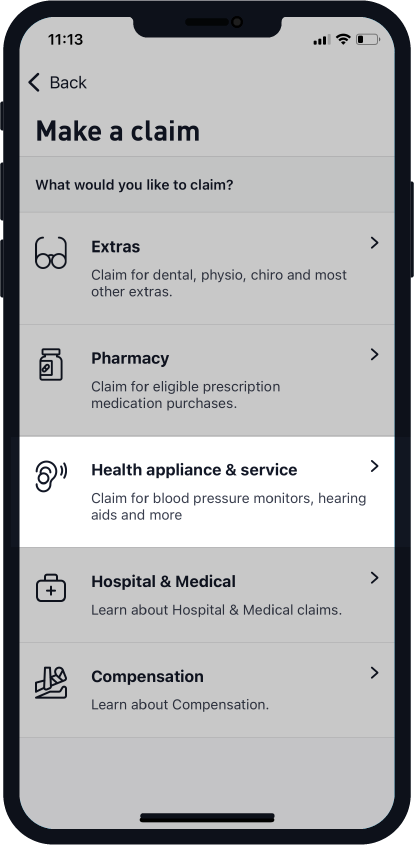

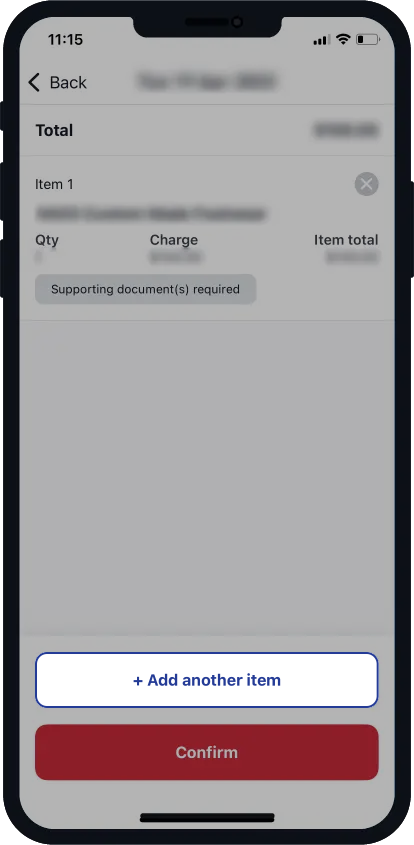
How claim for a blood pressure monitor on the web

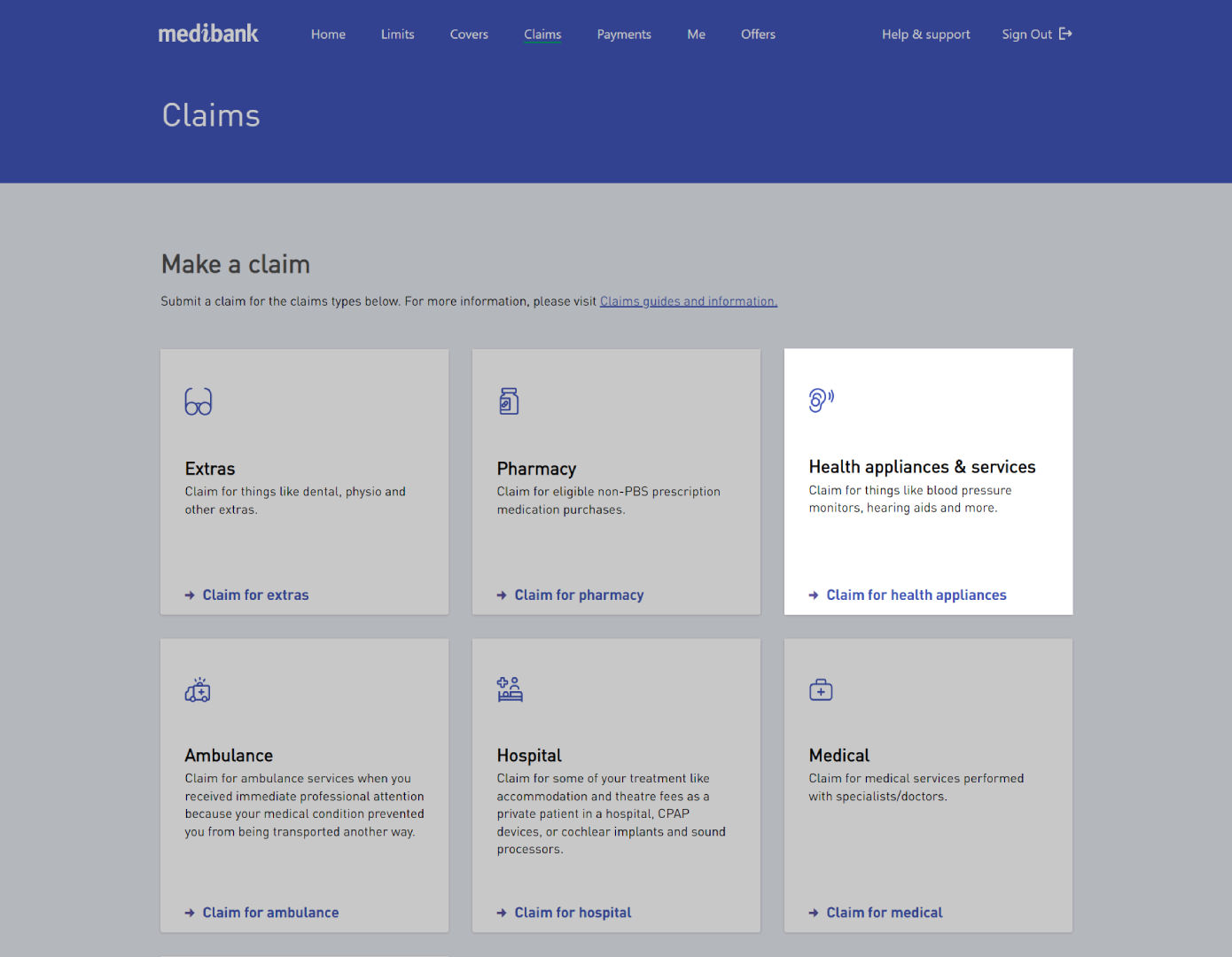
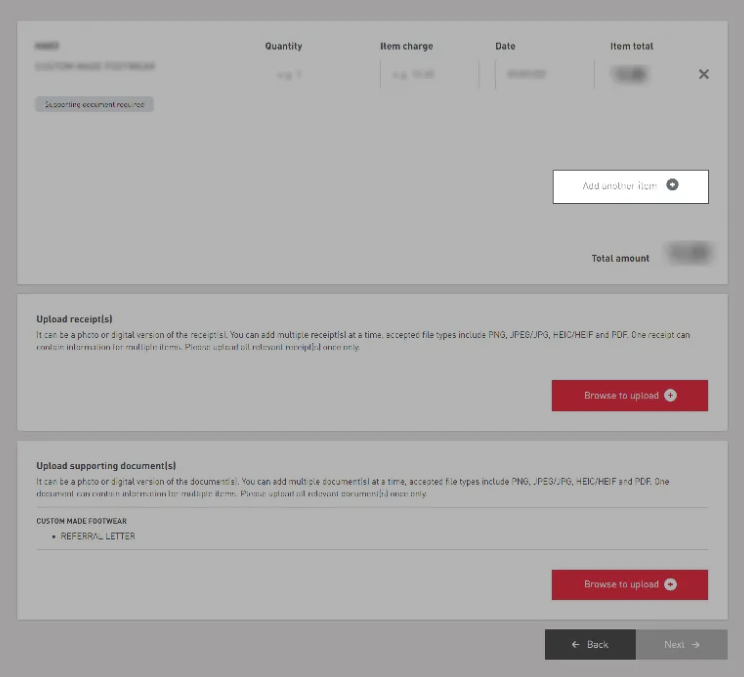


Can't find the answers you are looking for? We're here to help.
Things you should know:
If you’re on Overseas Student Health Cover (OSHC), please visit OSHC Help & Support to find out more about claiming for a blood pressure monitor, or call our OSHC 24/7 Student Health and Support Line on 1800 887 283.
Claims submitted in store will be processed separately (at a later date) and pay benefits to you, the hospital or the provider, as appropriate.
Some claims, like paper based, may take longer to update.