Get everything ready
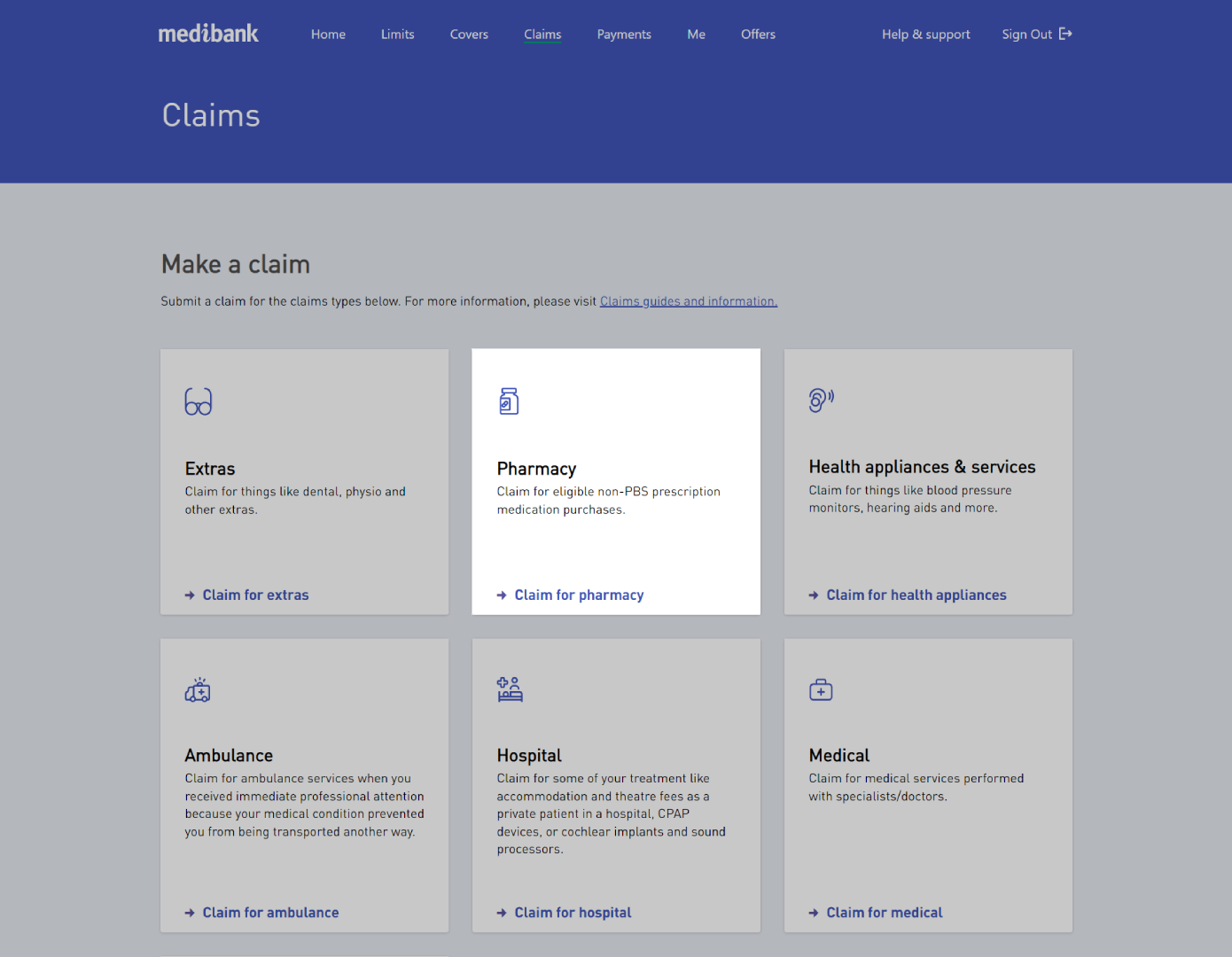
If your cover includes benefits for prescription pharmaceuticals, you can claim for them online.
If you haven't already, you'll need to register for a My Medibank account and have access to either the My Medibank app on your phone or tablet, or My Medibank on the web.
You can also claim for pharmacy by post or in one of our stores.
Check your cover summary in your My Medibank account if you're not sure if you're eligible to claim.
Key Information
- You'll need a receipt dated within the last two years. It will also need the pharmacy name and the prescription number
- You can’t claim for medication provided in hospital, that is used for cosmetic purposes, or that can be purchased without a prescription
- Services provided more than 2 years ago also can't be claimed for
Before you start your claim
Make sure you have:
Please review the following information:
If you're not sure whether you're eligible to claim, you can check your cover summary, as well as waiting periods, on My Medibank online, or the My Medibank app.
The below services must be claimed with a paper claim form :
- Compounded medications
- Oral contraceptives: benefits are only paid when prescribed for non-contraceptive purposes. Note: include verification from a medical practitioner dated in the past 12 months.
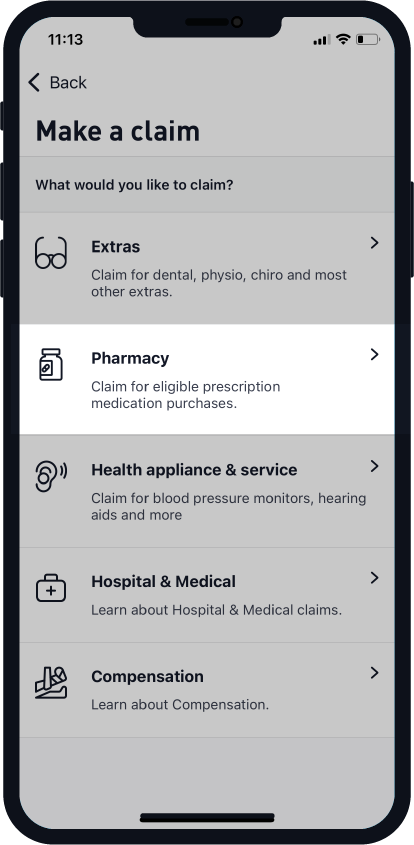
How to make a Pharmacy claim on the app

How make a Pharmacy claim on the web