
Get everything ready
If you have Extras cover, submitting an Extras claim online is easy and convenient. You will require access to My Medibank, or have the My Medibank app on your phone. If you don't have a My Medibank account, register now in two easy steps. Then, simply follow the step-by-step instructions below.
If you're not sure whether you're eligible to claim, you can check your cover summary, as well as limits and waiting periods, on My Medibank online, or the My Medibank app.
Key Information
- You'll need a receipt dated within the last two years. It will also need the provider ID and the item number you're claiming for.
- Check your limits on MyMedibank online or the app before you claim.
Before you start your claim
Make sure you have:
Please review the following information:
If you're not sure whether you're eligible to claim, you can check your cover summary, as well as waiting periods, on My Medibank online, or the My Medibank app.
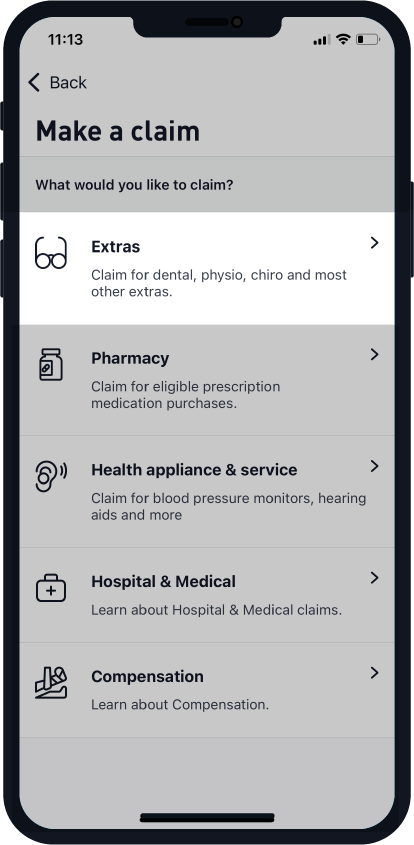
How to make an Extras claim on the app


How make an Extras claim on the web
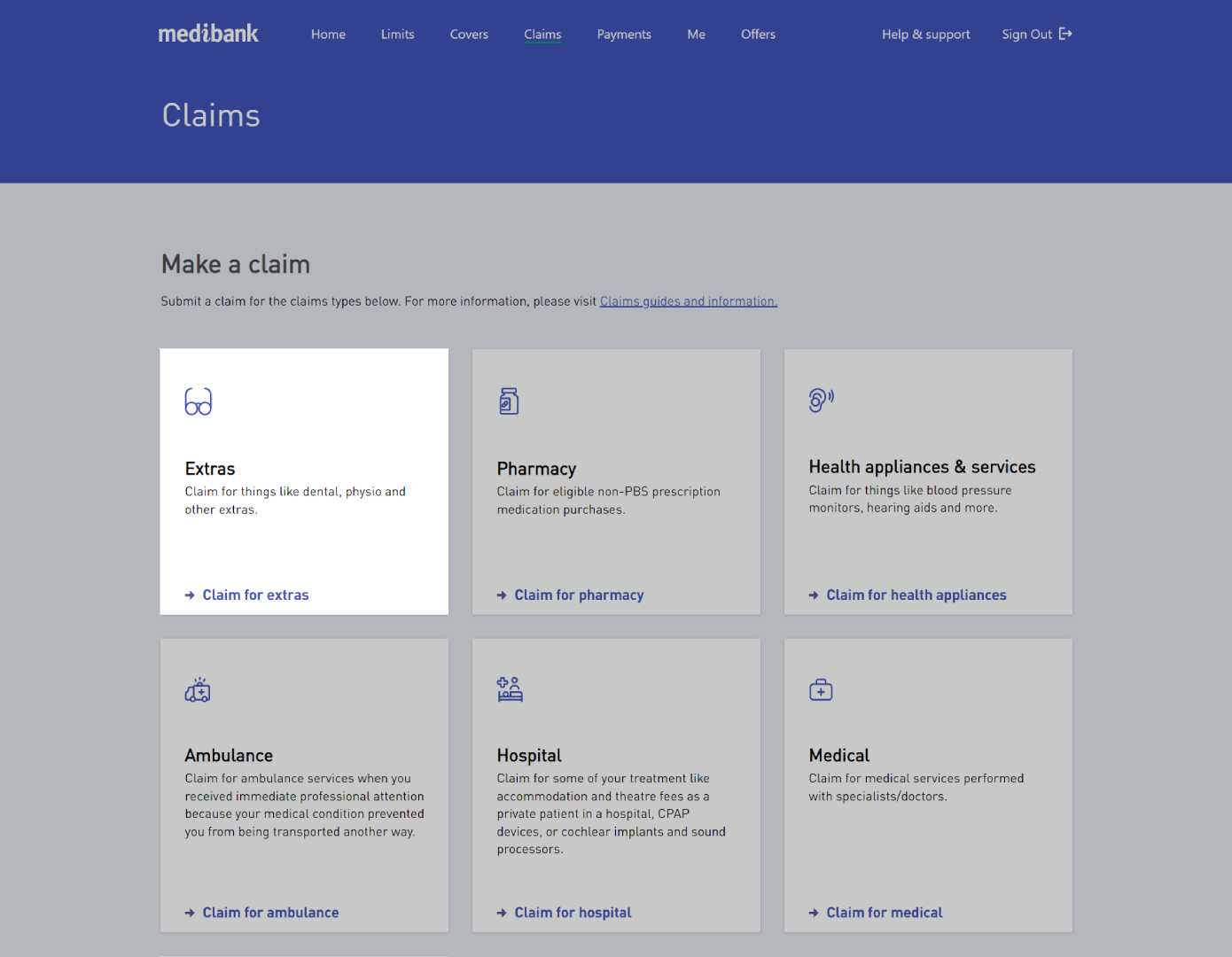

Start your claim online
Download the My Medibank app


How make an Extras claim using the paper form
The following claims cannot be submitted online and must be submitted by post or in store using a paper claim form:
- Allergen extracts
- Claims for compensation or damages
- Mental health support (counselling)
- Natural therapies (eg. Chinese medicine, exercise physiology)
- Orthotics when not provided by a podiatrist (eg. a chiropractor or physiotherapist)
- Package Bonus
- Resident outpatient diagnostic services
- Rural and regional travel and accommodation
All other Extras items can be claimed online faster through My Medibank online or the My Medibank app.
How to complete the form
Section 1: Member information
Fill in the name, date of birth and membership number for the person who received the item or service
Section 2: Claim information
Put together all receipts, referral letters, account statement, Medicare Statement of Benefits etc. that relate to the claim.
Please ensure that these show item numbers for each item you are claiming.
Tick the relevant boxes for your item or service.
Paid in full means there's no amount owing on the item or service you're claiming.
Membership/Package Bonus applies when...
Gold Hospital Bonus is only for...
Section 3: Declaration
Sign and date the form after reading the declaration.
How to submit your form

In store
Visit us at a Medibank store with your completed claim form and the original invoices or receipts.

Post
Send your completed claim form and the original invoices or receipts to: Medibank Private Limited, GPO BOX 2984, MELBOURNE VIC 3001.
Can't find the answers you are looking for? We're here to help.
Things you should know:
If you’re on Overseas Student Health Cover (OSHC), please visit OSHC Help & Support to find out more about claiming for Extras, or call our OSHC 24/7 Student Health and Support Line on 1800 887 283.
Claims submitted in store will be processed separately (at a later date) and pay benefits to you, the hospital or the provider, as appropriate.
Some claims, like paper based, may take longer to update.