
-
* Must be 16 years or over to register for Medibank Live Better rewards. Some program partners and earning activities require a person to be at least 18 years of age to be eligible to earn and/or redeem a reward. Must be a Medibank member with hospital cover, extras cover, or hospital and extras cover, be up-to-date with premium payments and have signed up to Medibank Live Better rewards in the My Medibank app to earn Live Better points for eligible purchases and redeem rewards. Excludes Overseas Student Health Cover (OSHC), Ambulance only cover, ahm covers and other selected covers. Live Better Management Pty Ltd, ACN 003 457 289 has entered into commercial arrangements with Medibank Live Better program partners and may receive commissions. Additional terms and conditions may apply to points earning activities and rewards. Points earning activities and rewards are subject to change and may be subject to availability. Wherever possible, we will give you notice of these changes. See full Medibank Live Better rewards terms.
Everyday health made easy, with My Medibank
Our go-to app making it easier to manage your health cover, take control of your health and wellbeing, and get rewarded for it.*


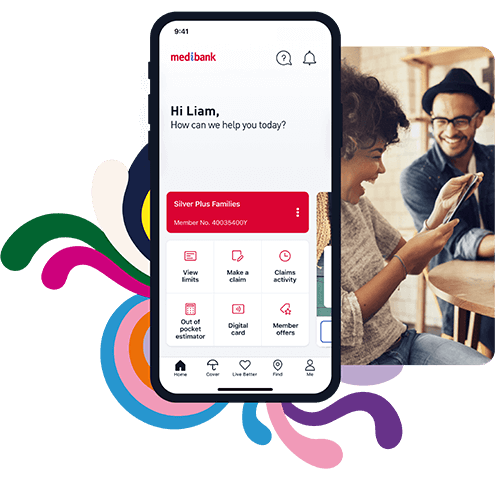
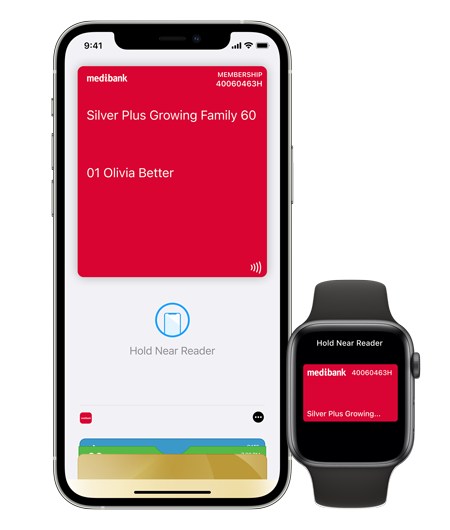
Access Medibank anytime, anywhere
- Find information about Medibank services, including your digital Medibank card and tax statements in the My Medibank app, 24/7
- My Medibank is a safe and secure way to update your personal details, make a payment or claim online protected by Multi-Factor Authentication and other safety features
- Message us at a time that's convenient for you with our secure online chat. We keep past conversations so you can pick up where you left off
The easiest way to understand and use your cover
- Make a claim in minutes, giving you more time to be incredible
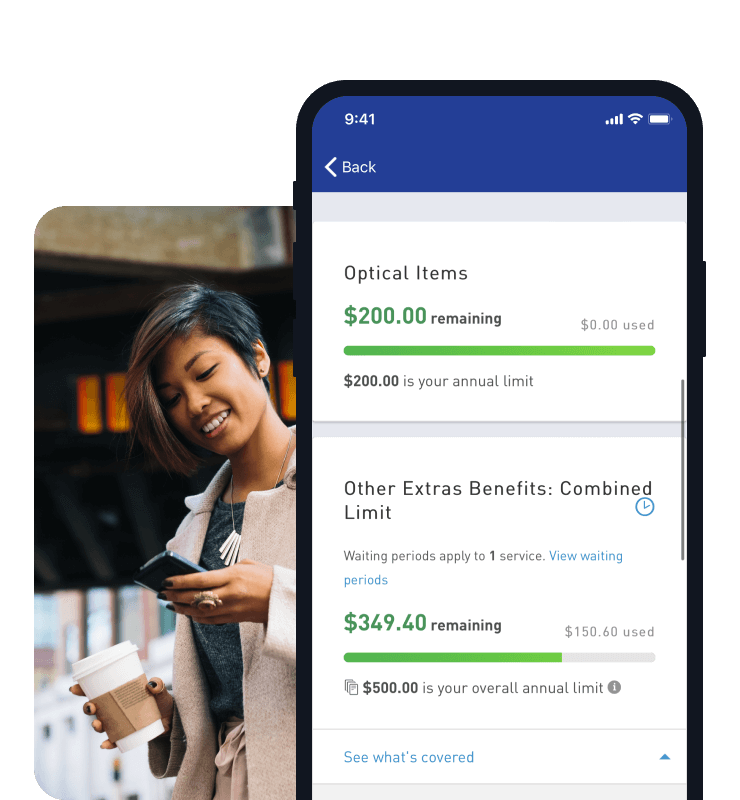
- Make the most of your cover by staying on top of how much you have left to spend on extras
- Help estimate how much you'll get back on extras claims with our Out of pocket estimator#
Connecting you to health services and rewarding you for staying healthy
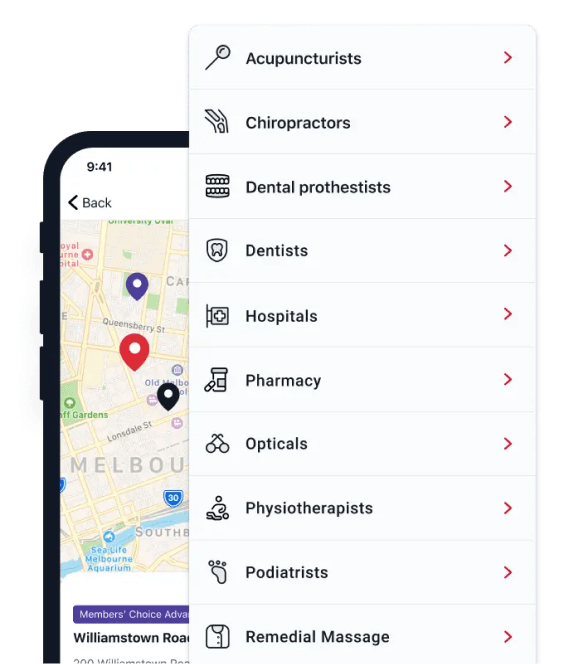
- Find your nearest Members' Choice Advantage Provider with our interactive map and get more back from your cover
- Book your 100% back dental check-up with a Members' Choice Advantage dentist directly through the app$
- Call our 24/7 Nurse or Mental Health phone support through the app~
- Earn up to $400 worth of rewards every year with Live Better, now in the My Medibank app*

Device requirements
To use the updated app, you’ll need to be an eligible Medibank health insurance member, running either iOS 16 and above or Android 10 and above.
Things you should know:
Apple, the Apple logo, Apple Watch and AirPods are trademarks of Apple Inc., registered in the U.S. and other countries and regions. App Store is a service mark of Apple Inc. Google Play and the Google Play logo are trademarks of Google LLC.
Medibank Live Better Challenges & Goals Earning Policy: The participant of a Medibank Live Better Challenge or Goal may not receive Live Better points or may have their already credited Live Better points reversed in accordance with the Medibank Live Better terms and conditions. To earn Live Better points, the participant needs to properly complete 100% of the eligible Challenge according to the instructions. The number of Live Better points available for Medibank Live Better Challenges and Goals is subject to change without prior notice. The maximum number of Live Better points that each Medibank Live Better member can earn from successfully completing health and wellbeing Challenges, Goals or any Onboarding action in a calendar year is 40,000 Live Better points. To the extent of any inconsistency between this Policy and the Medibank Live Better terms and conditions, the terms and conditions will take precedence.
# This is an estimate only and is based on the information you have told us about your quote, and what we know about you and your membership, including the state you live in, your claims to date, your waiting periods and any bonuses you may be entitled to. If anything changes, so will your estimate.
$ Limited to two dental check-ups on annually. Maximum two bitewing x-rays per check-up where clinically needed. Excludes Healthy Living Extras and Gold Ultra Health products. Not available in all areas. 2 month waiting period applies.
~ Available for Members with Hospital Cover. OSHC members should contact the Student Health and Support Line on 1800 887 283.